Hey there! If your Tesla Model 3 or Model Y (especially the 2024-2026 Highland or Juniper refreshes) suddenly shows the message “Schedule service to replace low voltage battery” — and software updates won’t install, doors act weird, or the charge port won’t open — don’t panic. This is super common on newer Teslas: the small 12-volt auxiliary battery (the one under the frunk) is reaching the end of its life.
I’ve dealt with this on a 2025 Model Y myself — ignored it at first, then had to sort it out quick. In 2024-2026 models, Tesla switched most to lithium-ion (Li-Ion) 12V batteries instead of old lead-acid ones — they last longer (5-8 years vs 3-5), but they still fail eventually. Let’s break it down: why it happens, what to do right away, DIY replacement steps, and how to clear the warning without a service visit.
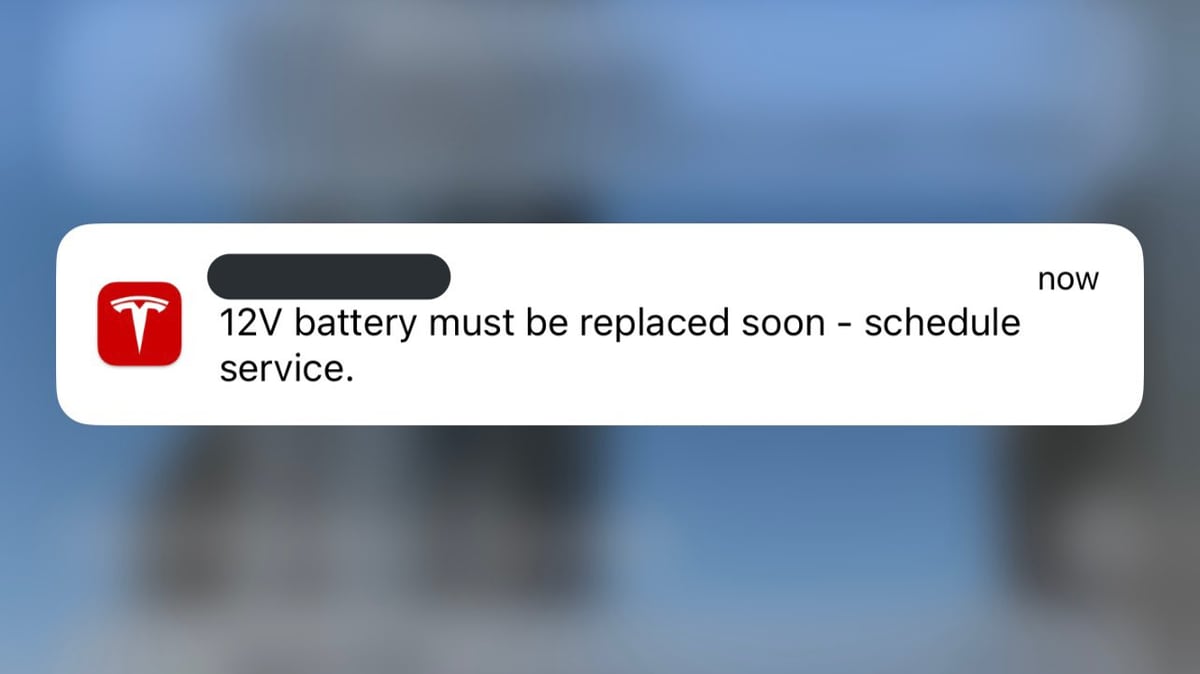
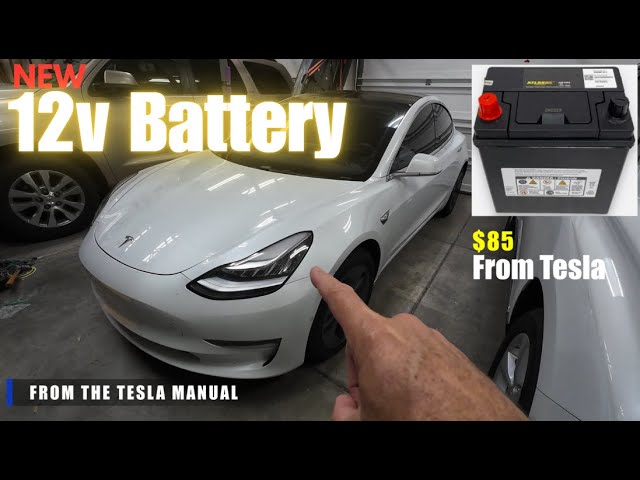
What Does “Schedule Service to Replace Low Voltage Battery” Actually Mean?
This alert is NOT about your main high-voltage traction battery (the big 75-82 kWh pack). It’s specifically for the low-voltage 12V battery that powers:
-
- Door locks, frunk, trunk access
- Screens, lights, HVAC
- Charge port mechanism
- App communication & Sentry Mode
- System wake-up and initial boot
When voltage drops too low (usually below ~11-11.5V), the car triggers the warning. Ignore it long enough and you’ll get stuck with no software updates, random glitches, or even inability to open the charge port. Tesla’s manual is clear: “Software will not update until battery is replaced.”
On 2024-2026 models, it’s usually the newer Li-Ion type (lighter, more durable), but the symptoms are the same as older lead-acid versions.
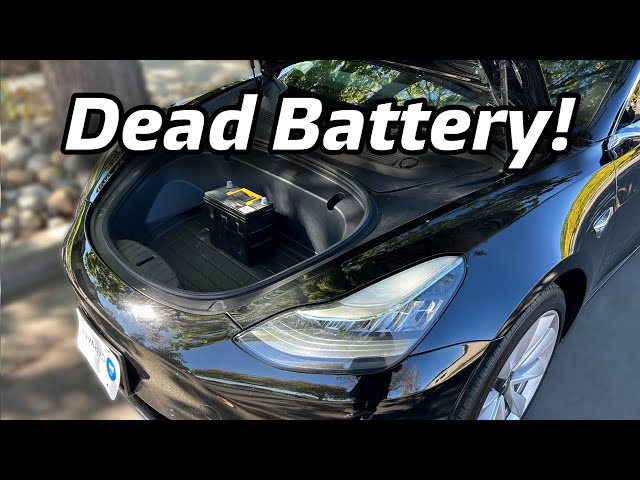
Common Causes on 2024-2026 Model 3 & Model Y
- Natural wear — 3-5 years for lead-acid, 5-8 years for Li-Ion (50k-120k miles typical)
- Long periods of parking without charging (vampire drain from Sentry, preconditioning kills 12V faster)
- Post-software-update checks — newer firmware is stricter on voltage monitoring
- Extreme temperatures (cold winters or hot summers accelerate degradation)
- Rare: loose connector, parasitic draw from aftermarket accessories
If the warning popped up suddenly, the battery is likely already too weak.
Step-by-Step: What to Do Right Now
Step 1: Check Symptoms & Don’t Ignore It
If the car still drives, you’re good for now — but plan replacement within 1-2 weeks. Delaying risks a dead 12V stranding you (no access, no charging).
Step 2: Quick Temporary Reset (Works 20-30% of the Time)
- Charge the main battery to 80%+ (HV tops up the 12V via DC-DC converter)
- Turn off Sentry Mode, Cabin Overheat Protection
- Full vehicle reboot: sit inside, hold both steering wheel scroll wheels for 10-20 seconds until screen blacks out and restarts
- Leave plugged in overnight
If the warning persists — time for replacement.
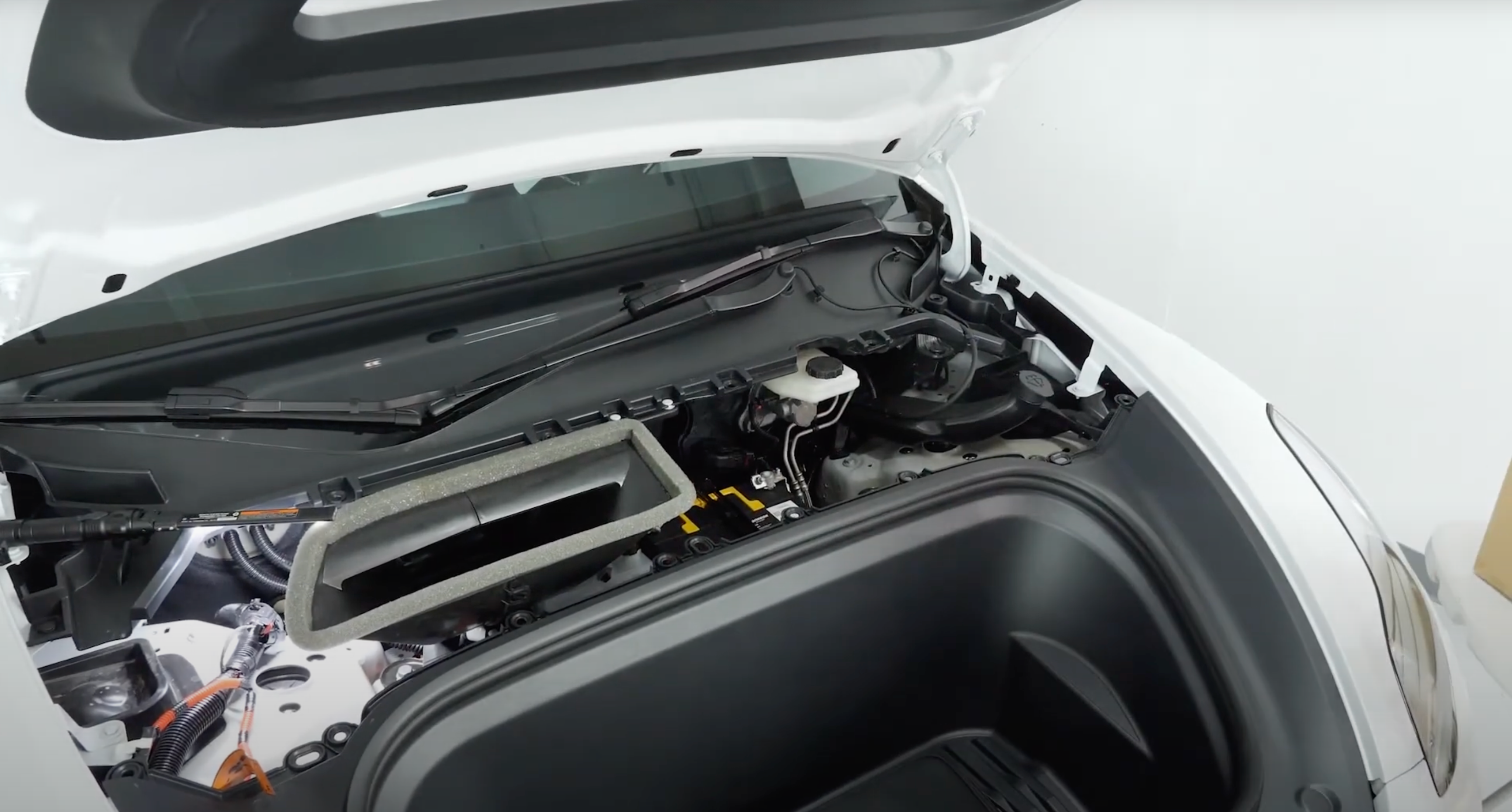
Step 3: DIY Replacement (Takes 20-40 Minutes)
Tesla provides official DIY guides — super straightforward on 2024-2026 models.
- Park, open frunk
- Remove plastic cover over 12V battery (left/center area)
- Disconnect negative (-) terminal first! (10mm wrench)
- Disconnect positive (+)
- Lift out old battery (~5-7 kg)
- Install new one (OEM AtlasBX/Hankook 85B24LS for lead-acid ~$80-150, or Li-Ion equivalent)
- Connect + first, then – (torque to ~5-7 Nm per manual)
Warning often lingers after swap — proceed to reset.
Step 4: Clear the Warning After Replacement (Key Step!)
- Leave frunk open
- Go to Controls → Safety → Power Off (car fully shuts down)
- Wait 2-5 minutes
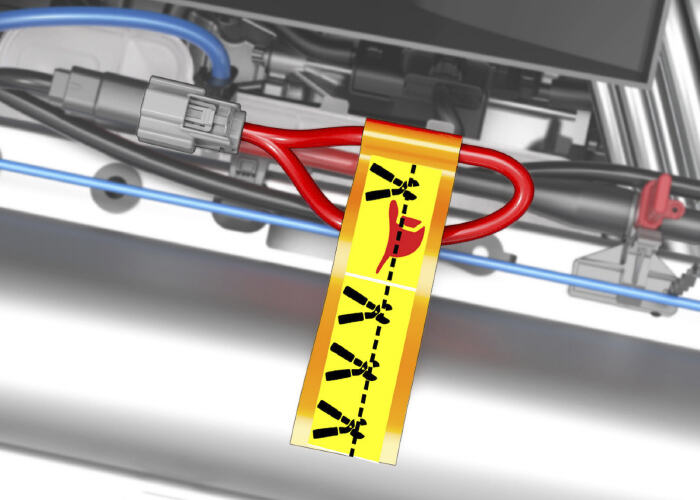
- If still there: under passenger rear seat, find orange high-voltage loop (first responder disconnect), pull it out for 30 seconds — full VC Front reset
- Reinsert, close up — car wakes, warning should clear
If not — open a service ticket in the app (many 2024-2026 cases get remote fix or free inspection).
Replacement Costs in 2025-2026
- OEM battery from Tesla: $80-150 (lead-acid), $200-300 (Li-Ion)
- DIY: just battery cost
- Mobile Service: $200-350 (they come to you)
- Service center: $300-600 (longer wait)
Many owners upgrade to aftermarket Li-Ion like Ohmmu for better life — check compatibility with BMS.
Real Owner Stories
“On my 2025 Model Y at 45k miles the warning hit. Replaced myself for $120 + 30 min. Cleared via orange loop disconnect — gone! Don’t wait till it strands you.” — Alex, California
“Ignored for 2 months on 2024 Model 3 — ended up with stuck charge port and tow. After swap + reset all good. Tesla should warn earlier!” — Mike, Florida
Related Articles You Might Find Helpful
- Tesla Charging Error “No Power”: Causes, Diagnosis and Fixes
- Why Does My Tesla Stop Charging at Home After a Few Minutes?
- How to Save Tesla Battery When Parked: Stop That Vampire Drain
Official replacement guide: Tesla Service Manual DIY section.
FAQ
Can I drive with the “Schedule service to replace low voltage battery” warning?
Yes, but not forever. Risk is sudden loss of access or charging. Replace within weeks.
How to reset the warning after 12V battery replacement?
Power Off + wait, or disconnect orange first responder loop under rear seat for 30 sec.
How long does the 12V battery last in 2024-2026 Teslas?
Li-Ion versions: 5-8 years / 80-150k miles. Lead-acid: 3-5 years.
Do I need to go to Tesla Service immediately?
Not if DIY is ok — Mobile Service is cheaper/faster.
Can I charge the old 12V with an external charger?
You can try, but if BMS already flagged it as bad, the warning won’t clear. Better to replace.
Don’t delay — a $100 battery beats a tow bill any day. If you swapped yours, drop your model year and how long the old one lasted in the comments — helps others!
Safe drives and full charges! 🔋