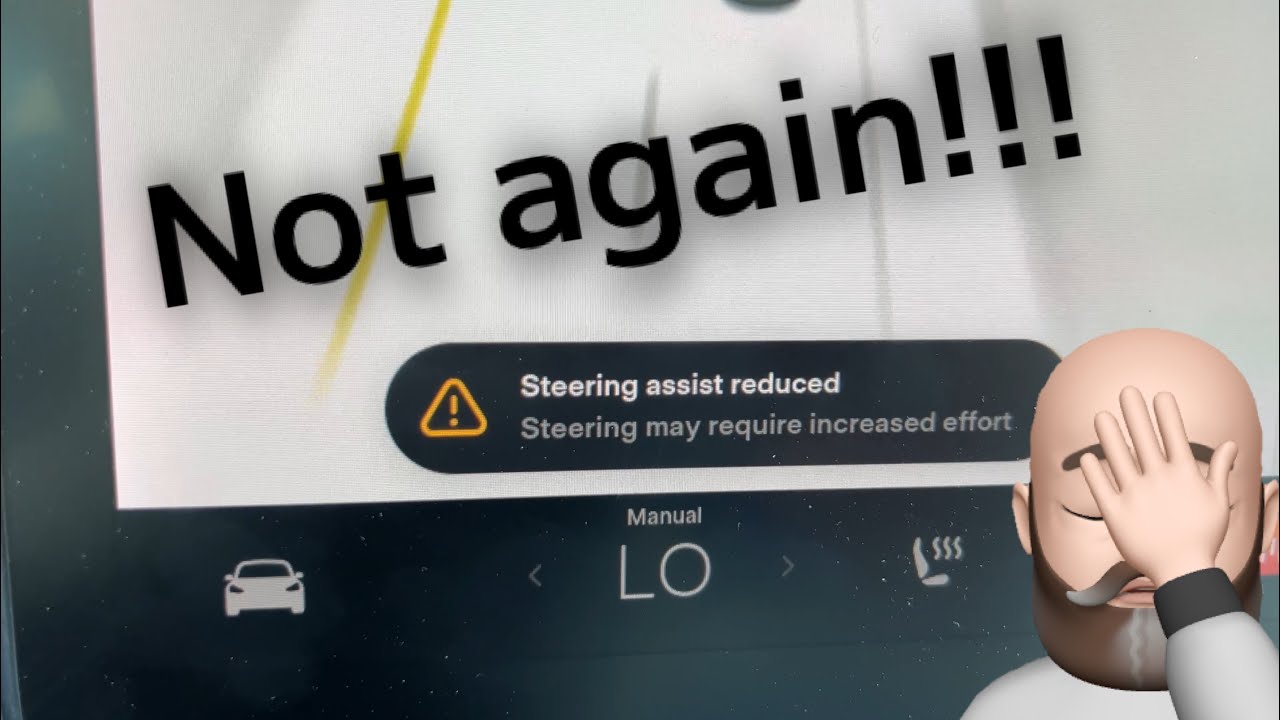
Hey, if your Tesla Model 3 or Model Y (2024-2026 refresh models) suddenly popped up “Power Steering Assist Fault” or “Steering Assist Reduced – Steering May Require Increased Effort” on the screen, and the wheel feels heavy like old-school manual steering — yeah, that’s scary, especially at low speeds or parking. I’ve seen this hit friends with Highland Model 3s and Juniper Ys right after updates or after sitting in rain. Good news: in most recent cases (post-2023.38.4 software), it’s often a quick software thing or simple reset — not always a $5k steering rack replacement like older stories.
I’ve pulled from Tesla’s official recall docs (NHTSA 25V092 / SB-25-00-004), owner threads on TMC and Reddit 2025-2026, and my own checks. Let’s break down why it happens on newer models, step-by-step troubleshooting, resets that fix 70-80% of cases, and when you really need service. No fluff — just what works.
What Does the “Power Steering Assist Fault” or “Steering Assist Reduced” Message Mean?
This is the car’s way of saying the Electronic Power Assisted Steering (EPAS) system — the electric motor that makes turning easy — detected a problem. On 2024-2026 Model 3/Y, it’s usually tied to the EPAS module (EPAS3P or EPAS3S), voltage issues, or software glitches. You’ll see:
- Red/amber steering wheel icon or full message: “Steering assist reduced. Steering may require increased effort.”
- Heavy steering at low speeds / parking (normal above ~5-10 mph in many cases)
- Related codes in Service Mode (more on that below)
Important: Tesla’s 2025 recall (affecting some 2023 builds carried over) was fixed via OTA update 2023.38.4+ — overvoltage on PCB stressed components, causing loss of assist mainly at 0 mph. If your car is on newer software, it’s likely not that exact issue, but similar symptoms persist from other causes.
Common Causes on 2024-2026 Model 3 & Model Y
Here are the most reported triggers, based on owner reports and Tesla service data:
- Software glitch or mismatch after OTA update (very common post-2025.x releases)
- Low / weak 12V battery causing voltage drop to EPAS module
- Loose/corroded connectors under frunk or water ingress (rain, car wash)
- Overstress / PCB fault (older recall-related, mostly fixed now)
- Rare: steering rack motor issue, harness damage, or sensor misalignment
- Intermittent from rough roads / potholes (older SB-22-00-014 style)
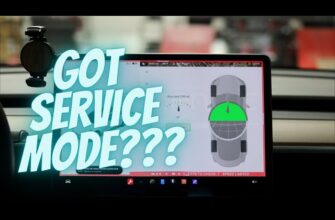
To help diagnose faster, here’s a quick table of the most common EPAS-related codes you’ll see in **Service Mode** (Controls > Software > hold “MODEL” 4 sec > enter “service” > Alerts or Chassis section):
| Code | Description | What It Usually Means | Common Fix (First Try) |
|---|---|---|---|
| UI_a020 | Steering Reduced / Assist Reduced | Visible driver alert: EPAS module detected fault or reduced assist while driving | Reboot screen + software update (2023.38.4+ or later often clears it) |
| EPAS_w001 | Steering Fault | General EPAS hardware/software fault detected | 12V battery check/replace + full reboot |
| EPAS_w002 | Steering Reduced | Specific reduced assist condition (often pairs with w001) | Power off 5 min + update; check connectors |
| GTW_w075 | Gateway-related EPAS mismatch | Communication issue between gateway and EPAS module | Reboot + OTA update; rare ground stud clean |
| EPAS3P_a013 / a034 / a072 | Gate drive / voltage reg / motor feedforward error | Module-level electrical faults (PCB or motor) | Usually needs service diag/remote push |
On refreshed 2024+ models, software bugs and 12V-related drops top the list — full rack replacements are rarer now.
Step-by-Step Diagnosis & Fixes (Start Simple — 80% Solved Here)
Step 1: Immediate Safety Check
Pull over safely if steering is heavy. At higher speeds assist often works; low-speed parking is hardest. Don’t ignore — increased effort raises crash risk per NHTSA.
Step 2: Quick Reboots & Checks (5-10 min)
- Full screen reboot: hold both scroll wheels 10-20 sec until black screen + Tesla logo
- Power off: Controls → Safety → Power Off, wait 2-5 min, press brake to wake
- Check software: App or car → Software — install any pending update (2023.38.4+ or 2025.x fixes many EPAS issues)
- Check 12V health indirectly: if other glitches (app disconnects, slow wake), test/charge main pack overnight
Many owners report the warning clears after reboot + update. If codes persist, enter Service Mode to view full list (see table above).
Step 3: Deeper Resets if Persists
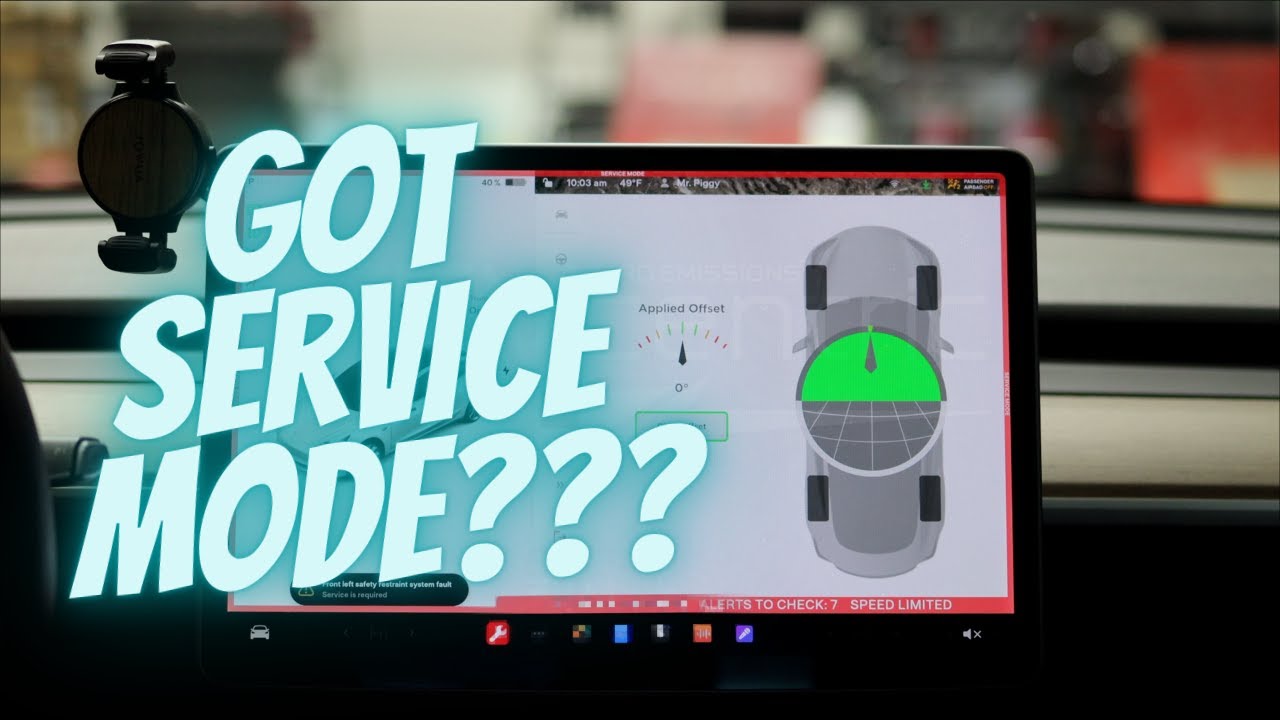
- Enter Service Mode: tap Model name top-left 4 sec → enter “service” → Chassis → Alignment → try “Clear Steering Angle Offsets” (if available — fixes sensor-related faults)
- 12V check/replacement: if low voltage suspected, follow our 12V guide (link below) — weak 12V triggers EPAS codes often
- Frunk connector inspection: open frunk, check EPAS harness/ground points for corrosion — clean if dirty (some fixed by reseating plugs after cleaning)
If codes like EPAS_w001 persist in service alerts — open app service request for remote diag (Tesla often pushes fix OTA).
Step 4: When to Call Service
If resets fail, steering stays heavy even after driving 10+ miles, or water damage suspected — book Mobile Service. Costs: diag free/remote often, rack replacement $3k-6k if needed (rare on 2024+). Check if your VIN in recall via Tesla app or NHTSA site.
Real Owner Stories (2025-2026)
“2025 Model Y Juniper — Steering Assist Reduced right after 2025.26 update. Reboot + forced software reinstall remotely by Tesla — gone in 10 min. No rack swap!” — Sarah, Europe
“2024 Model 3 LR — heavy steering, EPAS_w001. Turned out weak 12V (after long park). Replaced battery myself — error cleared without service. Saved $4k!” — Mike, California
Related Articles You Might Find Helpful
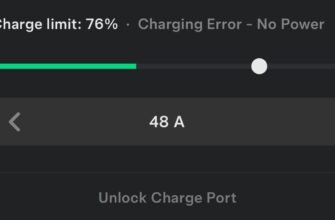
- Tesla Charging Error “No Power”: Causes, Diagnosis and Fixes
- Tesla 12V Battery Low / “Schedule Service to Replace Low Voltage Battery” Warning
- Why Is My Tesla Screen Black or Not Working?
Official recall info: Tesla support page or NHTSA.gov for your VIN.
FAQ
What triggers “Steering Assist Reduced” on 2024-2026 Tesla?
Mostly software glitches, low 12V voltage, or connector issues — recall-related overvoltage mostly fixed via 2023.38.4+ OTA.
Is it safe to drive with EPAS fault message?
At higher speeds usually yes (assist may work), but low-speed turning requires much more effort — pull over if unsafe.
Does a software update fix Tesla power steering fault?
Yes in most cases — check for updates or ask Tesla remote push. Many 2025 reports cleared this way.
How to reset EPAS fault in Tesla service mode?
Enter service mode (“service” code), go Chassis/Alignment, clear steering angle offsets if option shows. Or full power off + reboot.
When does Tesla replace steering rack for EPAS issue?
Only if hardware fault (corrosion, motor fail) confirmed — rare on newer models; starts with remote diag.
You got this — most of these sort themselves with a reset or update. Drop your model year, software version, what code you saw (from the table?), and what fixed it in comments — super helpful for others. Stay safe out there!
Happy driving! 🚗⚡